Private beta · Windows, macOS, iOS, Android
The vault for .env files, signing keys and passwords
Voult keeps every secret on your own devices and in your own Drive. There is no Voult server to breach.
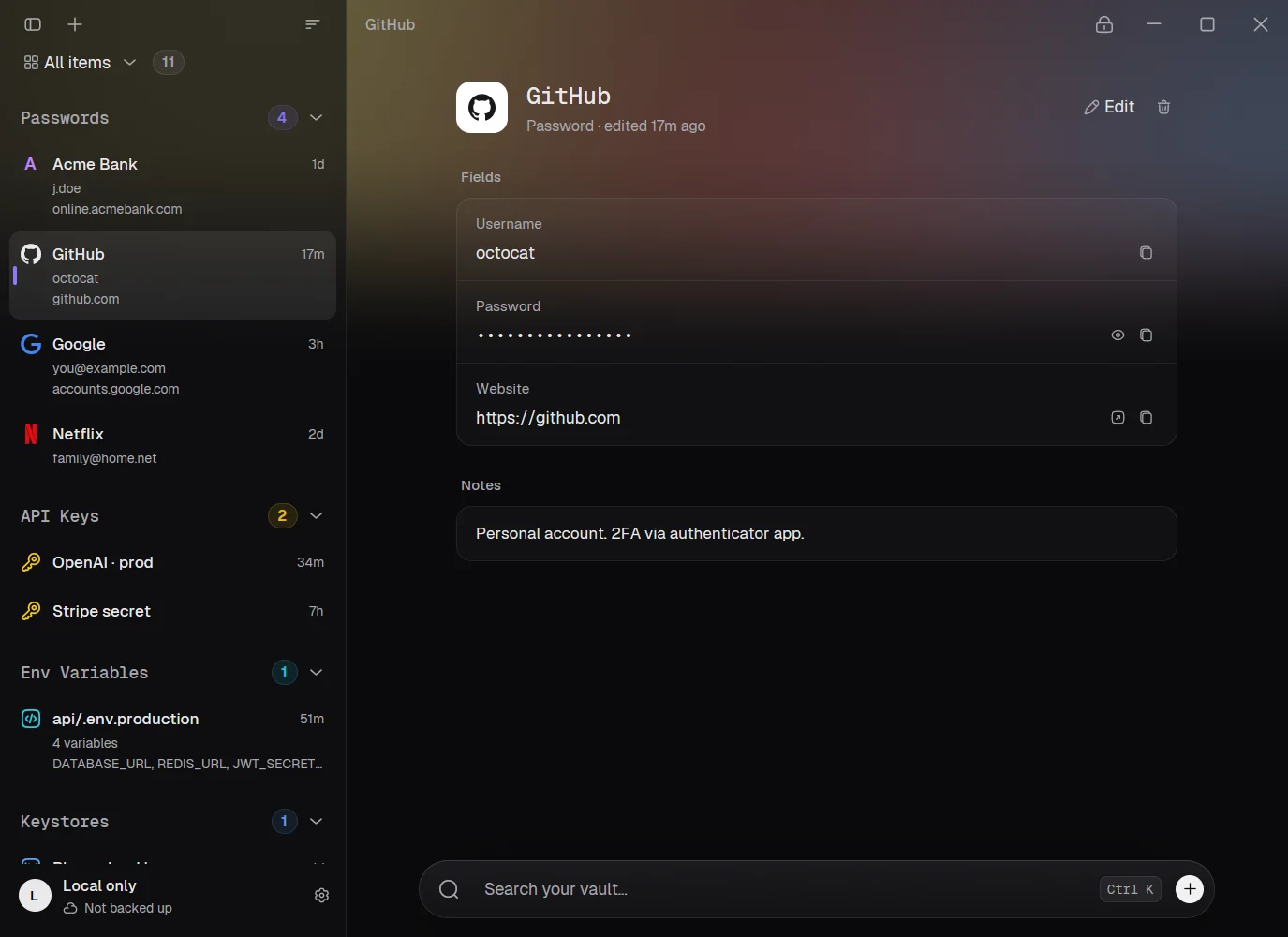
Voult for desktopSample data
What it stores
A keystore is saved as a keystore
Seven item types, each with the fields that kind of secret needs. Pick one to see it the way the app shows it.
Security
What an attacker gets
Everything is encrypted on your device before it syncs. Google Drive holds ciphertext in a hidden app folder, and that folder is the only part of your Drive Voult can access.
| You lose | They get | What stops them |
|---|---|---|
| Your laptop or phone | The encrypted vault file | Guessing your master password is the only way in, and Argon2id makes every guess cost 64 MiB of memory. |
| Your Google account | Ciphertext in a hidden app folder | The file header is authenticated and deletions are permanent. An old copy can't bring back a secret or forge an item. |
| A browser tab, to a malicious page | Messages to the extension | Fills go only to the page's own frames, after the app re-checks the site. The extension's dropdown never receives a secret. |
| Your clipboard, to another app | A copied secret | Cleared after 30 seconds and kept out of clipboard history and Universal Clipboard. |
| A screen recording | The window | Windows and Android exclude Voult from capture, and iOS covers it. macOS 15 and later can't be blocked. |
What it can't protect against
- Malware on an unlocked device. Anything that can read the app's memory has what you have. Auto-lock is on by default.
- A weak master password. The vault is only as strong as it is.
- A forgotten master password. There is no recovery.
Platforms
Desktop, browser and phone
Each app opens the same vault and syncs it through the hidden folder in your Drive.
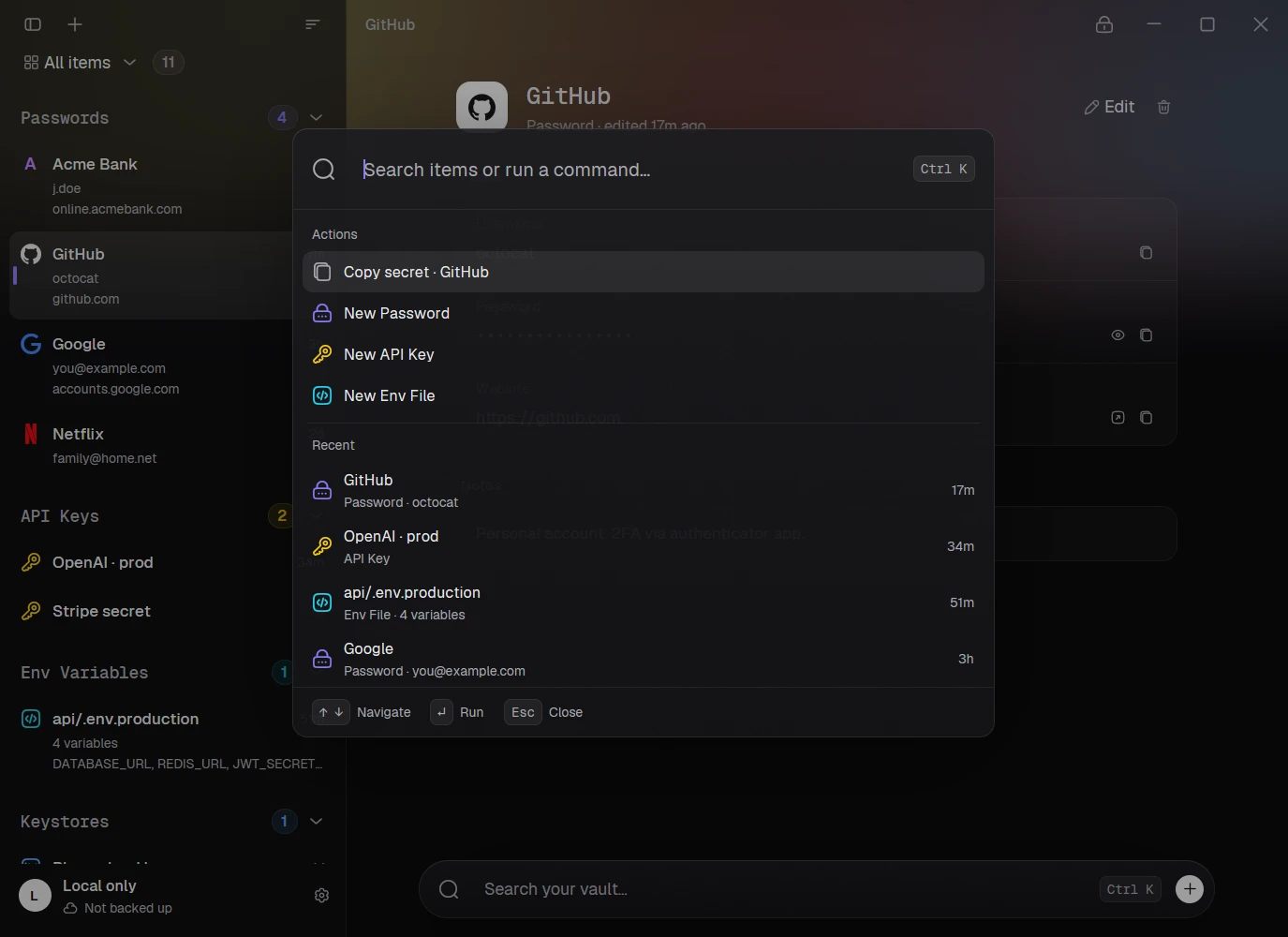
Windows and macOS
Ctrl K does most of it
Search, copy a secret or create an item from the palette. Windows unlocks with Windows Hello. The Mac app uses ⌘ and unlocks with Touch ID.
- CtrlKSearch and commands
- CtrlNNew item
- CtrlLLock vault
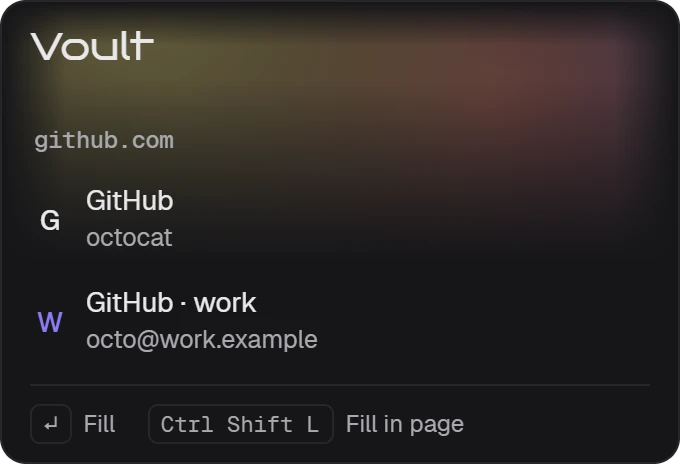
Chrome, Edge, Brave and Firefox
The extension never holds your vault
It asks the running app for the logins that match the site. Only a signed browser can reach the app, and with Windows Hello or Touch ID on, each fill waits for you to confirm.
Generated passwords are saved to Voult before they're filled, and a bar offers to save new logins.
- CtrlShiftLFill the matching login
- CtrlAltAAuto-type into a Windows app
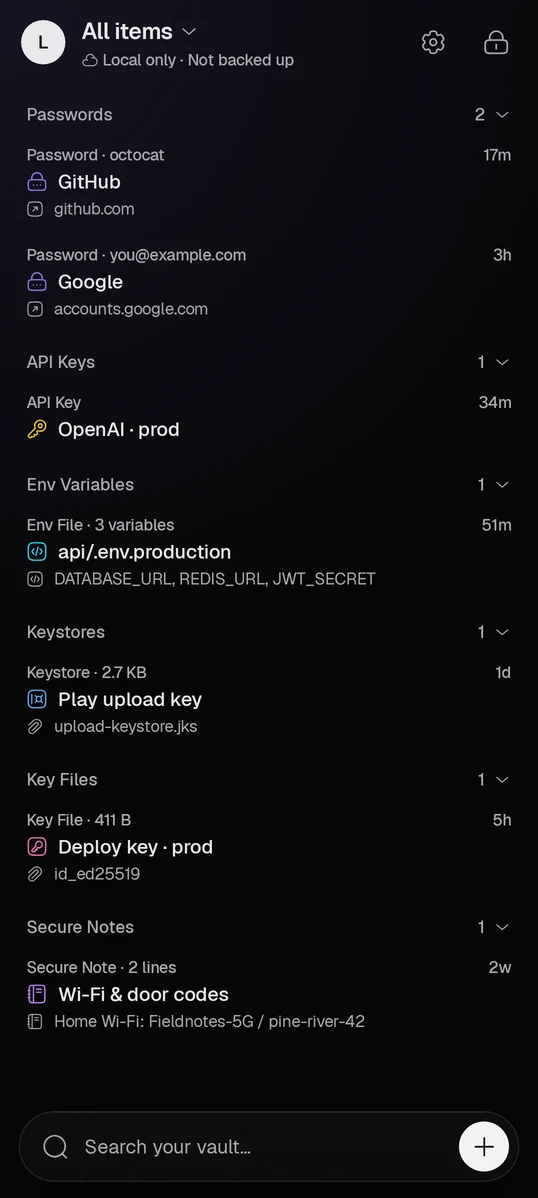
iPhone and Android
The same vault on your phone
Android fills logins in apps and browsers, and asks for your fingerprint or screen lock before each fill. On iPhone, AutoFill works in Safari and apps with Face ID.
On Android, logins import straight from Google Password Manager, with no export file in between.
FAQ
Recovery, sync and importing
What happens if I forget my master password?
The vault can't be opened. No one has a copy of your key, us included, and there is no recovery.
Do I have to use Google Drive?
No. Without sync, Voult is a local vault on that device. Sync needs a Google account and uses only a hidden app folder in its Drive.
What if two devices change the same item?
Sync merges item by item, and the newest edit of each item wins. A deleted item stays deleted, even if an older copy of the vault turns up.
Can I move from another password manager?
Yes. On Android, Voult imports straight from Google Password Manager or any manager that supports Credential Exchange. On desktop and Android it also reads CSV exports from Chrome, Edge, Brave, Firefox and others, shows what it found before adding anything, and offers to delete the export afterwards.